
Brisk Teaching
www.briskteaching.com ↗AI teaching assistance for creating resources, drafting feedback and adapting materials in existing workflows.
- Pricing model
- Free + custom school plans
- Product facts checked
- 2026-10-16
- Listing type
- Directory profile
Get to know Brisk Teaching.
What is Brisk Teaching?
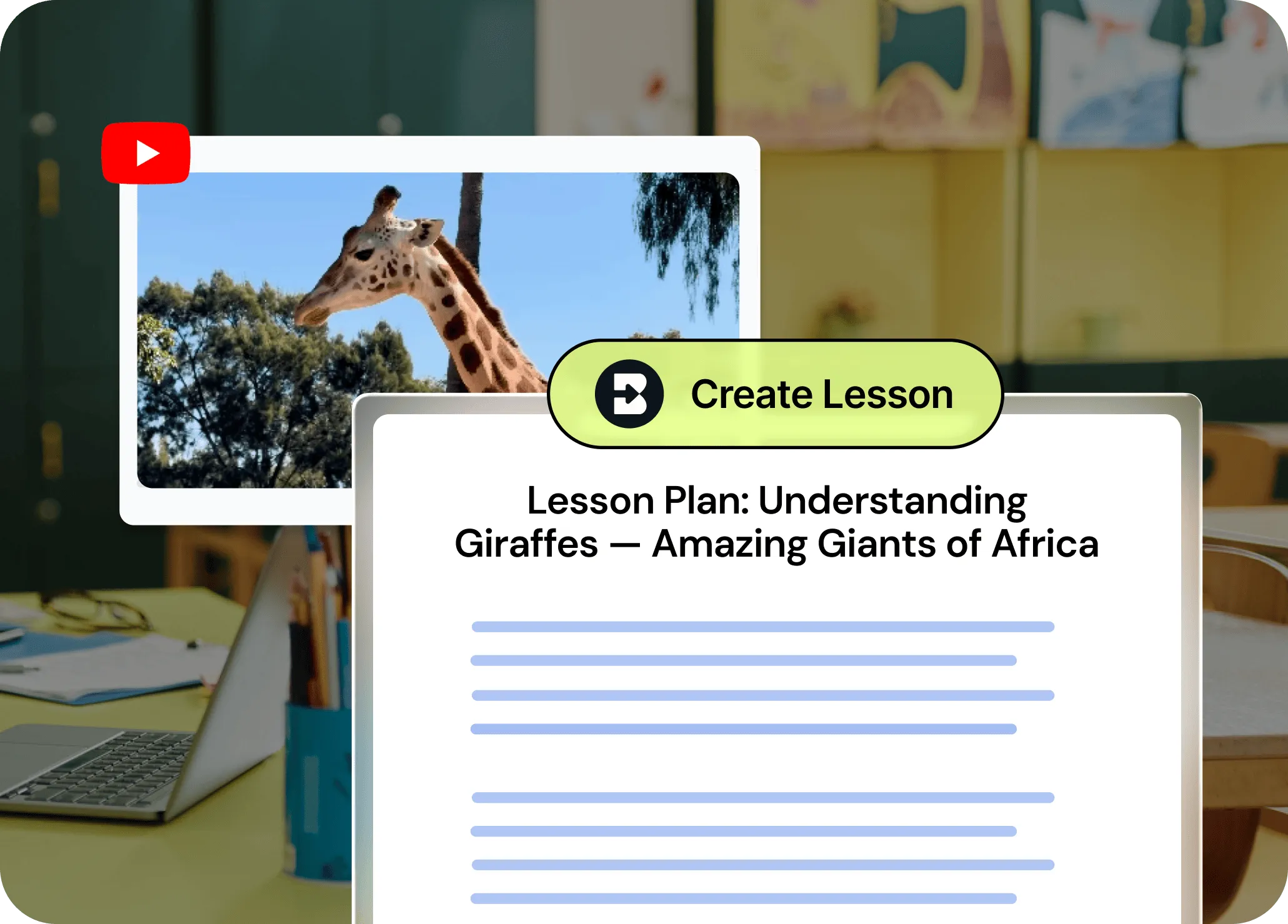
Brisk Teaching places AI assistance alongside resources educators already use. Its official materials describe content creation, writing feedback, reading-level adaptation and student activities. The practical distinction is workflow location: check how well it works with your school’s browser, files and learning platform.
A practical starting point
Choose a document with a known learning goal and ask for a short practice activity. Inspect the questions, then compare exporting and editing with your current process. For writing feedback, use a permitted sample and check whether every comment points to something the student actually wrote.
Access and plan considerations
The current plan page lists Free for teachers, plus custom-priced Premium and Intelligence offerings for schools or districts. Shared curriculum context, administrative visibility and support differ by tier. Confirm extension availability and the exact features in your proposed deployment.
Before using it in education
Browser tools require an explicit permissions review. Confirm which page or document content can be accessed and how your institution approves use with student work. Treat generated feedback as a draft; it should not make unsupported assumptions about a learner or determine a high-impact outcome automatically.
How to compare your options
Compare MagicSchool for a dedicated teaching workspace and Diffit for differentiated resource preparation. Test the same small task in each before paying for overlapping capabilities.
Explore education and learning tools →
Official sources
Documentation checked 16 October 2026. This is a source-based product profile, not a hands-on test, endorsement or numerical rating. Features and access can change.
Capabilities at a glance
A quick way to see the documented features. Check the provider for plan availability and current limits.
Browser-based instructional material creation
Draft feedback on student writing
Adjust reading level and translate material
Teacher-guided student activities through Brisk Boost
Plans, access & the details to check
Prices, allowances and availability can change. Use the official plan page for the current offer in your region.
Check official plans ↗Is it a fit for your workflow?
Our separate research-based review explores suitability, strengths, limitations and suggested trials, with source notes.
Read the Brisk Teaching review →