
Fireflies.ai brings recordings, transcripts and AI notes into a searchable meeting library. Its appeal is the ability to revisit a conversation after the call; the important buying questions concern summary allowances, storage, sharing and the controls available to your team.
Documentation-based assessment · How we reviewed it
A shortlist option when meeting knowledge gets lost
Consider Fireflies when several people need to find decisions across recurring calls. Compare it with Fathom for straightforward capture and Avoma for a broader sales workflow. Transcription is a starting point for a reliable record, so someone should still confirm commitments and correct names.
- Best fit
- Teams collecting and searching recurring meeting knowledge
- Review scope
- Meeting transcription and searchable conversation notes
- Main watch-out
- Summary allowances, AI credits and storage differ by tier.
In this review
Who should consider Fireflies.ai?
A project lead, consultant or customer-facing team may benefit if reviewing recordings already takes time. Start with a small set of permitted meetings and measure whether finding a decision is easier than searching existing notes. It is less compelling if your meeting platform already provides sufficient notes, or if recording is inappropriate. Choose by the retrieval and sharing workflow you actually need, rather than the number of AI features.
Why shortlist it
- Combines meeting capture and later retrieval in one library.
- Offers a free starting point for evaluating the core workflow.
- Paid tiers distinguish individual, team analytics and administrative needs.
What to watch
- A transcription allowance is separate from summary and AI-credit allowances.
- More recordings also mean more access and retention decisions.
- Generated commitments need checking against what participants actually agreed.
Features that matter in daily work
The product combines capture, summarization and retrieval. Evaluate those stages separately: a clear transcript does not establish that an action-item summary is complete. Official product details ↗
1. Capture meetings
Official materials describe conferencing integrations and audio/video uploads. Check your own platform and capture method before rollout; speaker labels and specialist vocabulary need review. Source ↗
2. Summaries and action items
AI notes can provide a first pass at decisions and follow-up work. Compare the draft against the relevant transcript passages before assigning tasks or sending it to a customer. Source ↗
3. Search and AskFred
Meeting search and the AskFred assistant help revisit prior discussions. Ask a question with a known answer and inspect whether the retrieved context supports it. Source ↗
A closer look at Fireflies.ai
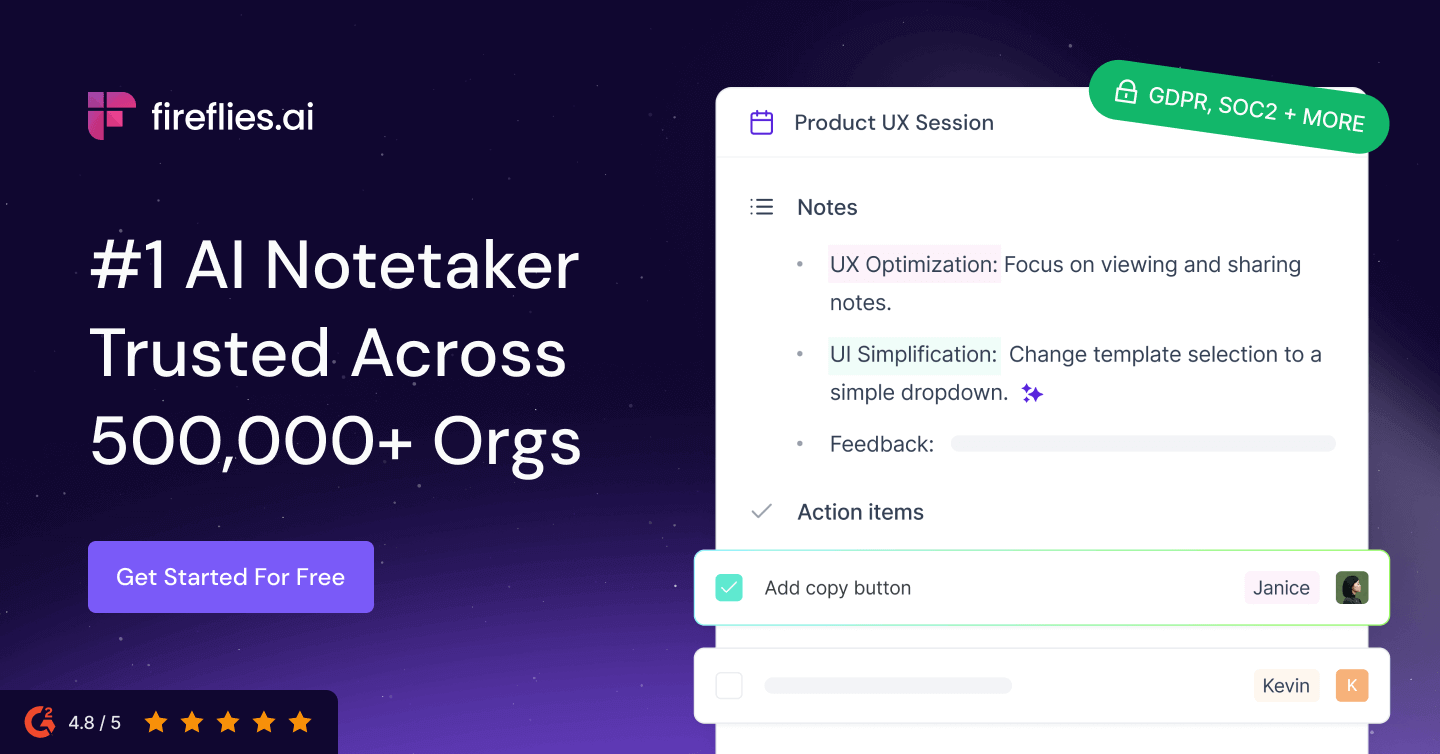
The provider preview above introduces the product. The diagram below is our suggested evaluation flow, not a product interface or measured result.
Original AI Tools Hotlist workflow illustration; not a product interface or test result.
Practical workflows to evaluate
These are suggested evaluations, not tests we performed. Use material you own or have permission to share.
Check a decision trail
Use a permitted project call with three decisions, one unresolved issue and a changed deadline. Ask for decisions and owners with supporting context.
Evaluate: Count omitted or invented commitments and confirm that the changed deadline is represented correctly.
Find an older answer
Search across several sample meetings for why a requirement changed. Compare the result with your own notes.
Evaluate: Check whether the correct meeting and passage are easy to locate, and whether sharing exposes other calls.
Plans, allowances and value
The official page lists Free, Pro, Business and Enterprise. Free has limited AI summaries and storage; paid tiers add allowances and capabilities. Compare the current plan matrix rather than treating unlimited transcription as unlimited use of every AI feature.
| Option | What to check | Decision rule |
|---|---|---|
| Free | Limited summaries, storage and AI allowances | Use for a small evaluation before moving team knowledge into the service. |
| Pro / Business | Pro adds downloads and more storage; Business adds conversation intelligence and team analytics | Pay for the features your group will use, with an expected monthly meeting volume. |
| Enterprise | Retention, identity and administration requirements | Confirm the relevant control and contract before involving sensitive meetings. |
Check official plan details ↗ Confirm your billing interval, currency, applicable tax, renewal terms and feature availability before subscribing. Promotional prices can differ from renewal prices.
Limits, privacy and responsible use
Unclear audio, overlapping speakers and internal terminology can affect the usefulness of any meeting record. Our research does not establish Fireflies accuracy on your calls. A searchable library can also make a mistaken summary easier to repeat; retain a route back to the original context and a process for corrections.
Decide which calendar events may be captured, how participants are informed, who may access recordings and when records are deleted. Review autojoin and public sharing settings before adding a work calendar. Check the provider’s data terms and the controls included in your selected plan.
Documentation establishes advertised capabilities, not accuracy on your task. We have not measured speed, reliability, time savings or business outcomes. Keep an accountable person responsible for approval.
Alternatives worth comparing
Compare the job you need done rather than assuming every AI tool is a direct replacement. These are workflow alternatives, not a performance ranking.
A project lead, consultant or customer-facing team may benefit if reviewing recordings already takes time. Start with a small set of permitted meetings and measure whether finding a decision is easier than searching existing notes. It is less compelling if your meeting platform already provides sufficient notes, or if recording is inappropriate. Choose by the retrieval and sharing workflow you actually need, rather than the number of AI features.
Common questions
Does a free account include every AI feature?
No. The official matrix separates transcription, summaries, storage and AI credits. Check the limit that applies to the feature you intend to use.
Should we use the summary as the final meeting record?
Confirm decisions, owners and dates with the source conversation first, especially when a summary is sent outside your team.
Which alternatives should I compare?
Fathom is relevant for meeting capture; Avoma and Sybill are worth comparing when CRM updates and sales processes matter.
Have you tested and rated this tool?
This is a research-based assessment of official documentation. We have not recorded hands-on tests or assigned a numerical score. The recommendations explain suitability and trade-offs.
Sources and review method
We reviewed official product and plan information on 14 October 2026. Suitability judgments and suggested trials are our editorial assessment. Media is credited to its provider and does not establish hands-on testing. Features, prices and rollouts can change.
No affiliate tracking has been added to these links. Editorial responsibility: AI Tools Hotlist editorial desk. Editorial standards · Suggest a correction · More reviews.