
Sybill uses meetings, emails and other connected context to support deal work, summaries and sales administration. The important distinction from a basic note-taker is what it can reliably write back to the CRM and how well a seller can inspect that work.
Documentation-based assessment · How we reviewed it
Evaluate the admin work it can safely remove
Shortlist Sybill when post-call CRM updates and deal context are persistent problems. Test extracted fields and follow-up drafts against the conversation before enabling broad automation. A complete-looking deal record is useful only when its facts and uncertainty are represented correctly.
- Best fit
- Sales teams with recurring call follow-up and CRM hygiene work
- Review scope
- Sales conversation context and CRM administration
- Main watch-out
- CRM context, autofill and AI-credit entitlements vary by tier.
In this review
Who should consider Sybill?
Sybill is relevant to sales representatives and operations owners who need calls to become useful deal records. Compare it with Fathom for simpler capture, Avoma for a modular meeting-to-revenue stack and Gong for a broader revenue platform. Start with one CRM field set and a small team rather than automating every field on day one.
Why shortlist it
- Connects call knowledge with post-call sales administration.
- Offers a free starting point and tiered expansion.
- Makes CRM and broader deal context explicit buying considerations.
What to watch
- More connected context expands permission and retention concerns.
- Credits and automated functions have different allowances.
- Wrong extraction can make CRM data look more complete than it is.
Features that matter in daily work
The current product combines conversation capture with a shared context layer for deal analysis. Judge summaries, extraction and action execution separately. Official product details ↗
1. Meeting and email context
Ask Sybill is described as drawing on connected sources. Ask questions with known answers and check which sources are actually available on your plan. Source ↗
2. CRM autofill
Higher tiers include CRM autofill with differing field scope. Test unknown values and corrections rather than rewarding a high fill rate alone. Source ↗
3. Follow-up and task assistance
Drafts and tasks can reduce repetitive preparation. A seller should verify ownership, deadlines and promises before they become customer-facing actions. Source ↗
A closer look at Sybill
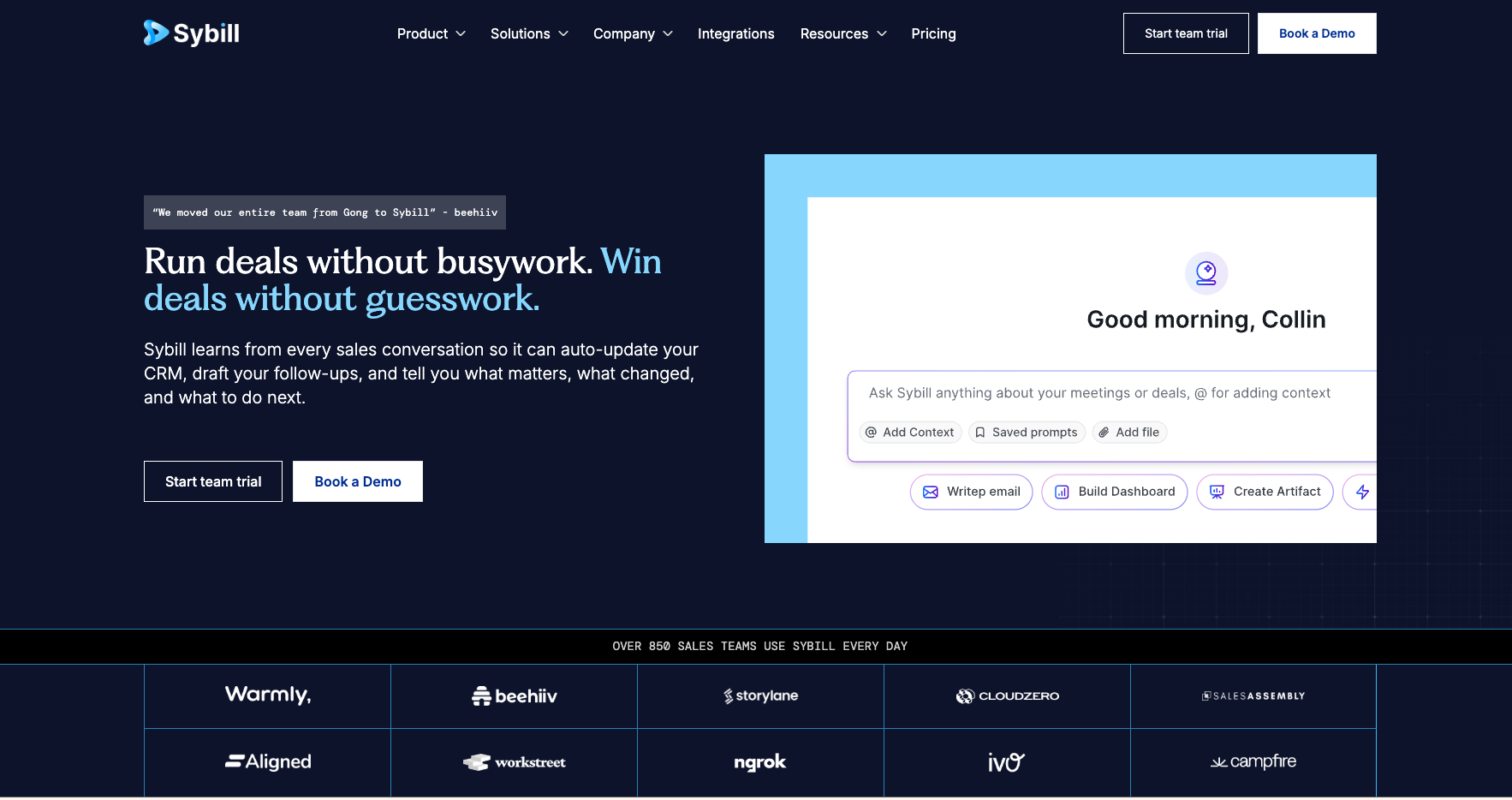
The provider preview above introduces the product. The diagram below is our suggested evaluation flow, not a product interface or measured result.
Original AI Tools Hotlist workflow illustration; not a product interface or test result.
Practical workflows to evaluate
These are suggested evaluations, not tests we performed. Use material you own or have permission to share.
Audit CRM extraction
Use a permitted sample call with an unknown budget and tentative next step. Compare proposed fields with a manually verified record.
Evaluate: Count unsupported values, incorrect ownership and whether uncertainty remains visible.
Review deal context
Ask what changed between two test calls and draft a follow-up.
Evaluate: Check chronology, source support and whether old commitments are confused with new ones.
Plans, allowances and value
The checked page lists Free, Pro, Business and Enterprise with different AI-credit and context allowances. Business introduces broader CRM context and autofill scope; Enterprise expands these and support. Validate the exact matrix because the summary cards and detailed allowances should be reconciled for your intended use.
| Option | What to check | Decision rule |
|---|---|---|
| Free / Pro | Summary, storage, credit and customization limits | Evaluate note quality and seller adoption first. |
| Business | CRM context, autofill fields and connected workflows | Pilot a controlled field mapping before broad write access. |
| Enterprise | Larger usage, autofill, identity and support requirements | Request a written scope for the complete deployment. |
Check official plan details ↗ Confirm your billing interval, currency, applicable tax, renewal terms and feature availability before subscribing. Promotional prices can differ from renewal prices.
Limits, privacy and responsible use
Sales conversations often include proposals rather than agreed facts. An AI-generated deal view can overstate certainty if the underlying conversation is ambiguous. Review fields that affect forecasts, discounts or commitments and retain a way to inspect the original context.
Limit calendar, mailbox, CRM and collaboration access to approved sources. Decide which meetings may be recorded and who can see deal context. Review retention, deletion and integration permissions before connecting real customer conversations.
Documentation establishes advertised capabilities, not accuracy on your task. We have not measured speed, reliability, time savings or business outcomes. Keep an accountable person responsible for approval.
Alternatives worth comparing
Compare the job you need done rather than assuming every AI tool is a direct replacement. These are workflow alternatives, not a performance ranking.
Sybill is relevant to sales representatives and operations owners who need calls to become useful deal records. Compare it with Fathom for simpler capture, Avoma for a modular meeting-to-revenue stack and Gong for a broader revenue platform. Start with one CRM field set and a small team rather than automating every field on day one.
Common questions
Is Sybill only a meeting recorder?
Its current scope includes deal context, CRM administration and follow-up assistance alongside capture.
Should we enable all CRM autofill immediately?
Start with a small mapping, audit unknowns and prevent unverified overwrites.
How do credits affect adoption?
Estimate the interactive analysis and task usage your team expects, separately from automated functions described in the plan.
Have you tested and rated this tool?
This is a research-based assessment of official documentation. We have not recorded hands-on tests or assigned a numerical score. The recommendations explain suitability and trade-offs.
Sources and review method
We reviewed official product and plan information on 14 October 2026. Suitability judgments and suggested trials are our editorial assessment. Media is credited to its provider and does not establish hands-on testing. Features, prices and rollouts can change.
No affiliate tracking has been added to these links. Editorial responsibility: AI Tools Hotlist editorial desk. Editorial standards · Suggest a correction · More reviews.