A candidate for creators who want AI assistance inside a visual editor.
Documentation-based assessment · How we reviewed it
Official demo / learning resources ↗
Our take on Canva AI
Worth considering if you want to move from an idea to a design you can refine. The practical value depends on whether the available tools suit your actual format, brand requirements and revision process.
- Best fit
- Visual content and design iteration
- Review scope
- AI-assisted visual creation and editable designs
- Main watch-out
- AI allowance, rollout and usage terms
In this review
Who should consider Canva AI?
A useful shortlist option for an existing visual-content workflow. Check the actual account experience before upgrading, especially if you need a promoted feature or frequent generations.
Why shortlist it
- An editable design workflow can help you refine the result beyond the initial prompt.
- Design and writing assistance can sit within the same creative environment.
- Free access provides a starting point for exploring the available AI features.
What to watch
- Access and AI allowance depend on the plan and tool type.
- A generated design still needs review for legibility, brand fit and accuracy.
- Canva warns that AI output may not carry exclusive rights or be cleared for every commercial use.
Features that matter in daily work
Canva describes AI-assisted creation and conversational editing within its creative workspace. Its product page also promotes Canva AI 2.0 capabilities marked as coming soon in parts of the page. Verify availability in your account rather than assuming every advertised capability is available now. Official product details ↗
1. Creation inside a design workflow
Canva combines AI-assisted creation with a visual editor. Compare an initial result with the amount of manual layout work needed for your actual format.
2. Writing and visual elements
The product page lists writing and visual tools. Keep final wording and image choices under editorial control, especially when the design contains a claim or a brand asset.
3. Refining a design
Editable work matters after the first prompt. Inspect text spacing, hierarchy and alignment at the intended display size rather than judging the editor preview alone.
4. Rollout versus availability
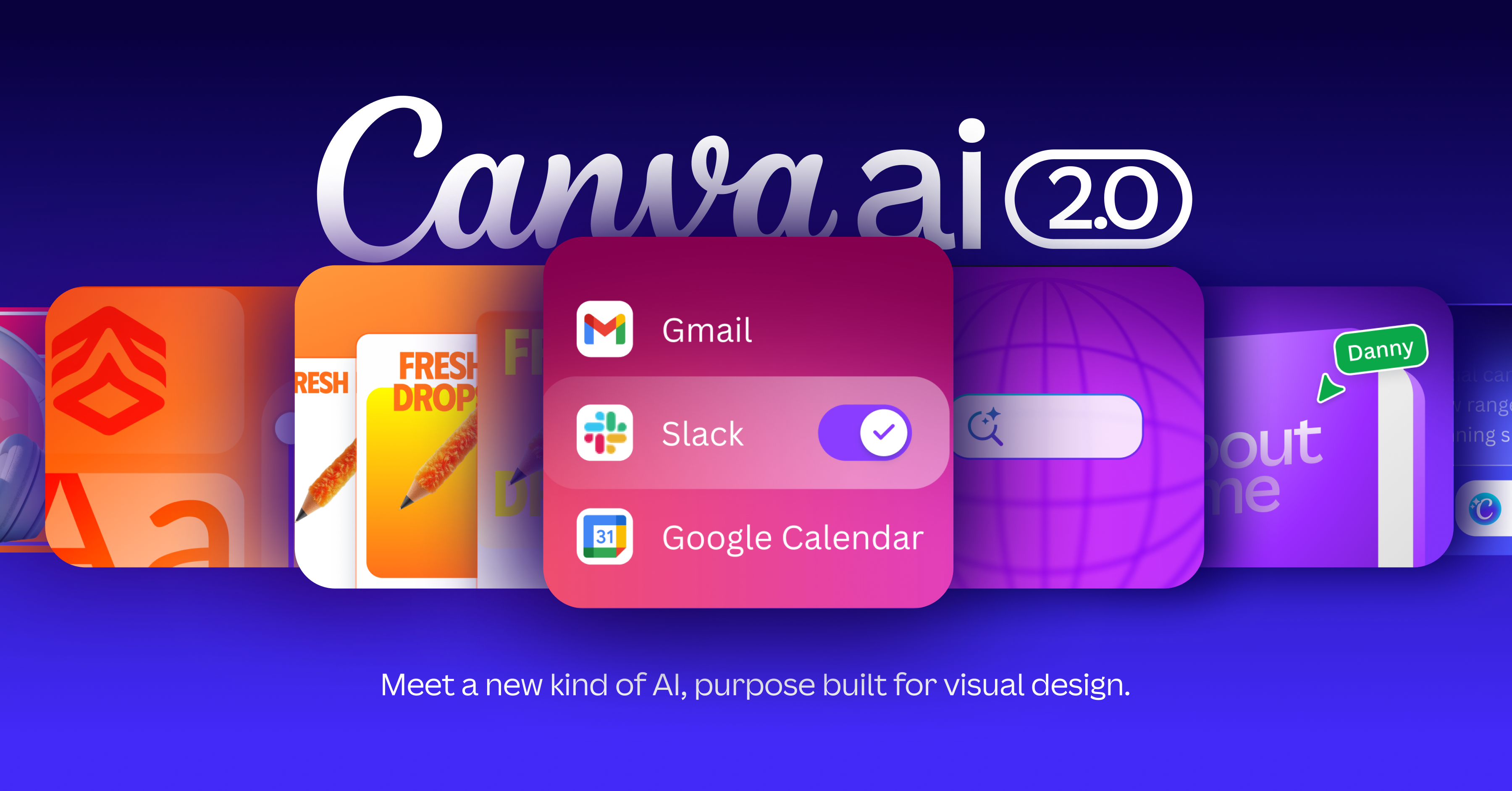
The official page marks parts of Canva AI 2.0 as coming soon. The promotional images below may show announced features; confirm access in your account before paying for a specific workflow.
A closer look at Canva AI
Official Canva AI 2.0 promotional imagery. The source page labels parts of this rollout coming soon; these previews do not establish availability in your account.

Visuals © provider / respective owners. Official source ↗ Vendor examples are not evidence of measured performance.
Practical workflows to evaluate
These are suggested evaluations, not tests we performed. Use material you own or have permission to share.
Make a social post
Use a fictional event brief with approved wording and one visual direction. Create a post, then refine its hierarchy and spacing.
Evaluate: Inspect the exported result at phone size. Count manual edits and any AI allowance consumed by rejected attempts.
Adapt a design
Prepare a second format from the same approved concept, preserving essential text and the intended reading order.
Evaluate: Check cropping, line breaks and readability. A resized canvas alone does not establish that the composition works.
Check brand and rights
Review a sample design against your fonts, colors, claims and permitted reference materials.
Evaluate: Identify anything that requires replacement, licensing clarification or human design work before publishing.
Plans, allowances and value
Canva has free and paid options. Its help documentation explains that some AI tools draw from a shared monthly allowance, which varies by plan. Third-party Marketplace apps can have separate limits or subscriptions. Check both the subscription price and the allowance for the feature you intend to use.
| Option | What to check | Decision rule |
|---|---|---|
| Free | Available tools and current AI allowance | Explore one real creative format. |
| Paid Canva options | AI usage, brand tools, exports and subscription terms | Upgrade for a named capability you can access now. |
| Marketplace apps | Separate third-party limits or subscriptions | Include app costs in the full workflow comparison. |
Check official plan details ↗ Confirm your billing interval, currency, applicable tax, renewal terms and feature availability before subscribing. Promotional prices can differ from renewal prices.
Limits, privacy and responsible use
A generated design may have weak hierarchy, inaccurate text or unclear usage rights. Inspect the export at its destination size and check the applicable terms for AI output and reference material. Promoted future features should not be treated as current account access.
Check the provider’s current data terms, account settings and your organization’s policy before uploading client or confidential material. A paid subscription alone is not authorization to share information.
Documentation establishes advertised capabilities, not accuracy on your task. We have not measured speed, reliability, time savings or business outcomes. Keep an accountable person responsible for approval.
Alternatives worth comparing
Compare the job you need done rather than assuming every AI tool is a direct replacement. These are workflow alternatives, not a performance ranking.
A useful shortlist option for an existing visual-content workflow. Check the actual account experience before upgrading, especially if you need a promoted feature or frequent generations.
Common questions
Are all Canva AI 2.0 features available now?
The official page marks some capabilities as coming soon. Verify your account rather than assuming promotional examples establish access.
Does a good-looking preview mean the export is ready?
Check the exported file for readability, layout, accuracy and the intended display size.
Do Marketplace apps share the same subscription?
Some third-party apps have their own limits or subscriptions. Check the app and Canva terms for the actual workflow.
Have you tested and rated this tool?
This is a research-based assessment of official documentation. We have not recorded hands-on tests or assigned a numerical score. The recommendations explain suitability and trade-offs.
Sources and review method
We reviewed official product and plan information on 14 October 2026. Suitability judgments and suggested trials are our editorial assessment. Media is credited to its provider and does not establish hands-on testing. Features, prices and rollouts can change.
- Official product information and rollout notes
- AI usage and allowances
- Official product and media source
No affiliate tracking has been added to these links. Editorial responsibility: AI Tools Hotlist editorial desk. Editorial standards · Suggest a correction · More reviews.