For developers exploring AI suggestions within supported development tools.
Documentation-based assessment · How we reviewed it
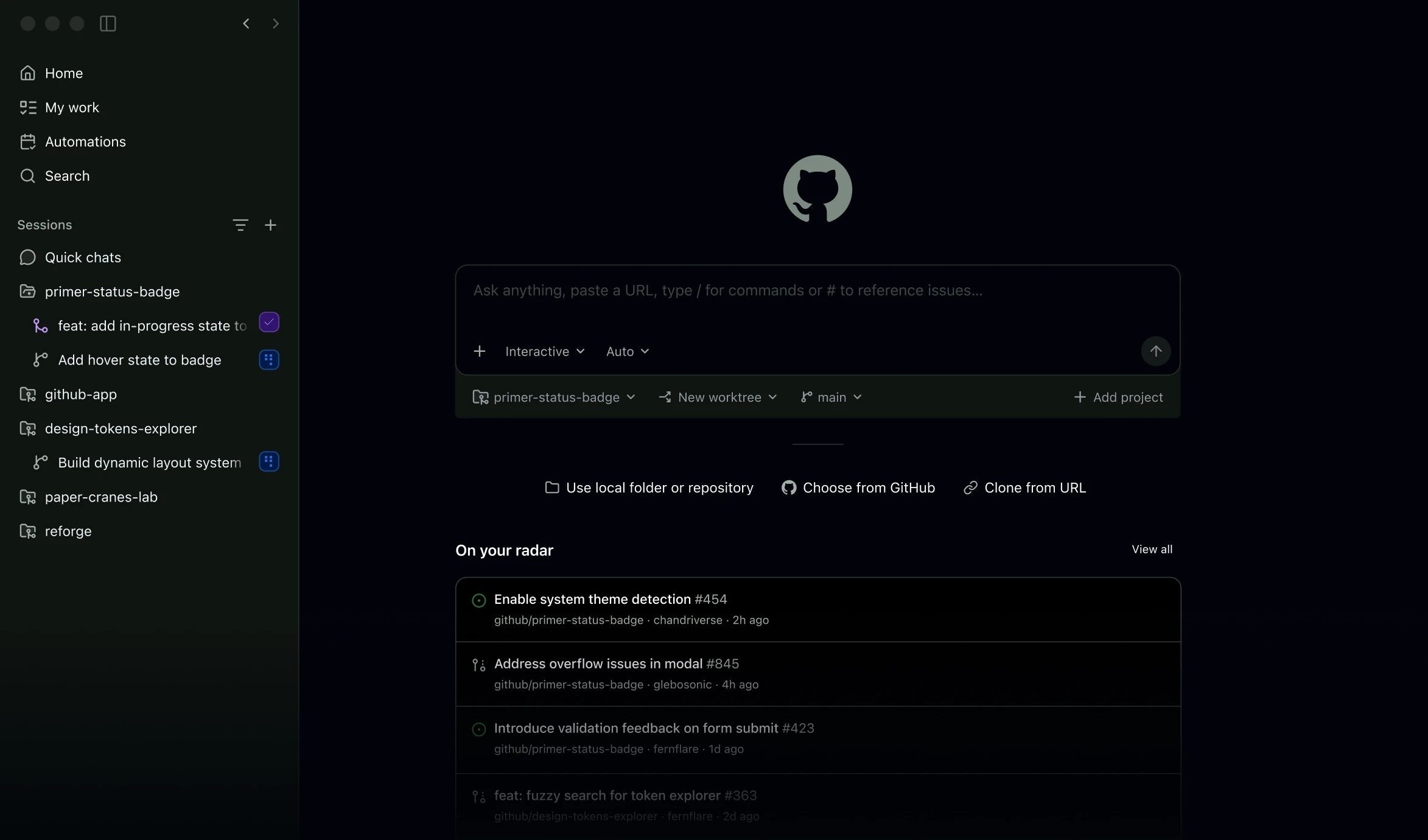
Official demo / learning resources ↗
Our take on GitHub Copilot
Worth considering when assistance inside your development environment would be useful. The strongest reason to keep it is a repeatable task where suggestions withstand review and reduce total effort, including checking and correction.
- Best fit
- Coding suggestions and project questions
- Review scope
- Coding suggestions, chat and agent workflows
- Main watch-out
- Correctness, compatibility and plan access
In this review
Who should consider GitHub Copilot?
A useful shortlist option for a supported coding environment. Prefer evidence from your own tasks over completion acceptance rate alone, and keep human review in the process.
Why shortlist it
- Inline suggestions can make assistance available while you are writing code.
- Chat provides another way to ask questions about project material.
- The plan comparison helps separate individual needs from organization controls.
What to watch
- Generated code can be incorrect, incomplete or unsuitable for your project conventions.
- Feature availability depends on the environment and plan.
- Check the relevant data and organization settings before using work repositories.
Features that matter in daily work
GitHub describes Copilot as a coding assistant and agent workflow. Its product documentation discusses inline suggestions and chat assistance in supported environments, while the plan comparison distinguishes access and feature availability. Official product details ↗
1. Editor assistance
GitHub describes code completion and chat in supported environments. Confirm the exact integration you use, then evaluate suggestions against project conventions and dependencies.
2. Agent workflows
Copilot spans editor, command-line and GitHub-related workflows. Give an agent a bounded task and review the resulting changes instead of treating task completion as merge approval.
3. Model selection
Available models vary by access and plan. Compare a stable task and relevant usage costs; model choice alone does not establish better results on your repository.
4. Organizational controls
Business offerings include governance capabilities. Confirm access, budgets and data handling with the people who administer your organization before broad rollout.
A closer look at GitHub Copilot
Official provider imagery, credited below. These are vendor examples, not outputs from our tests. Select an image to enlarge it.
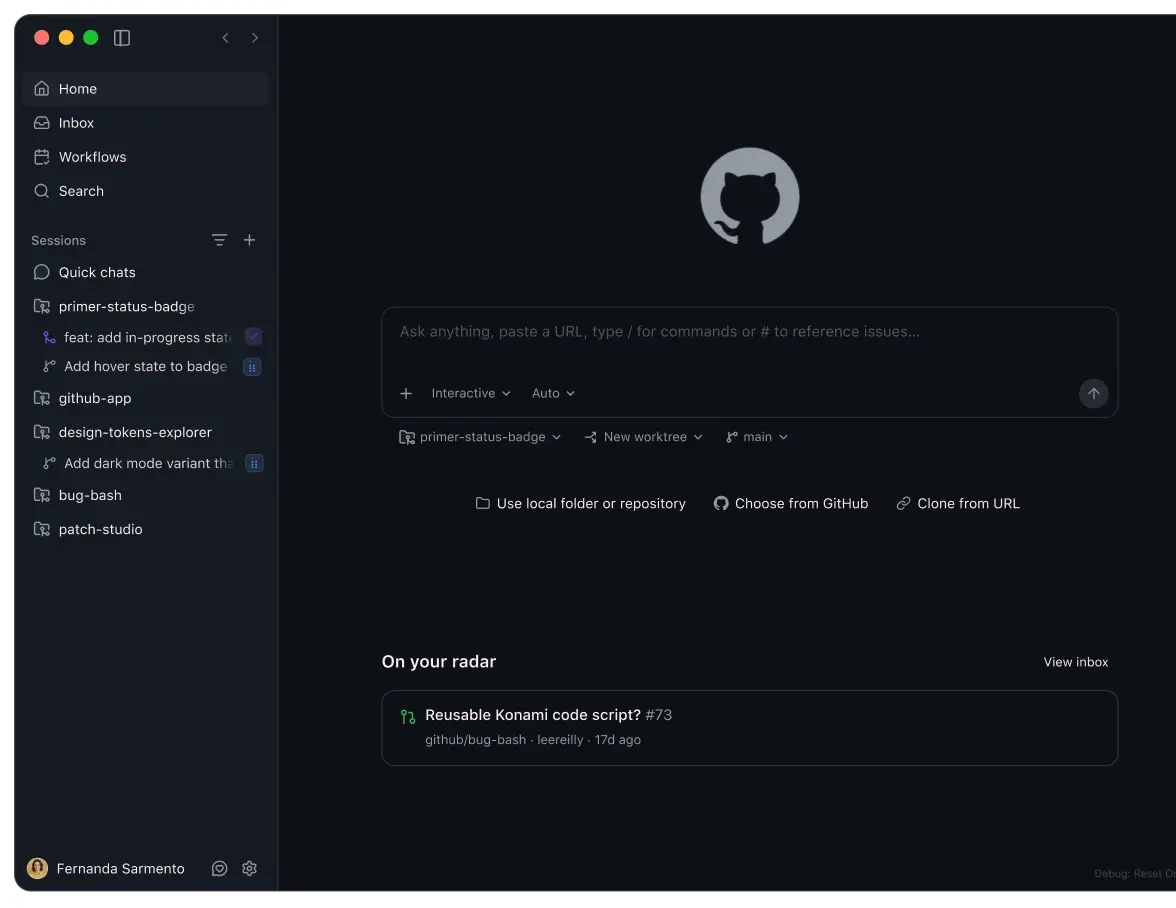
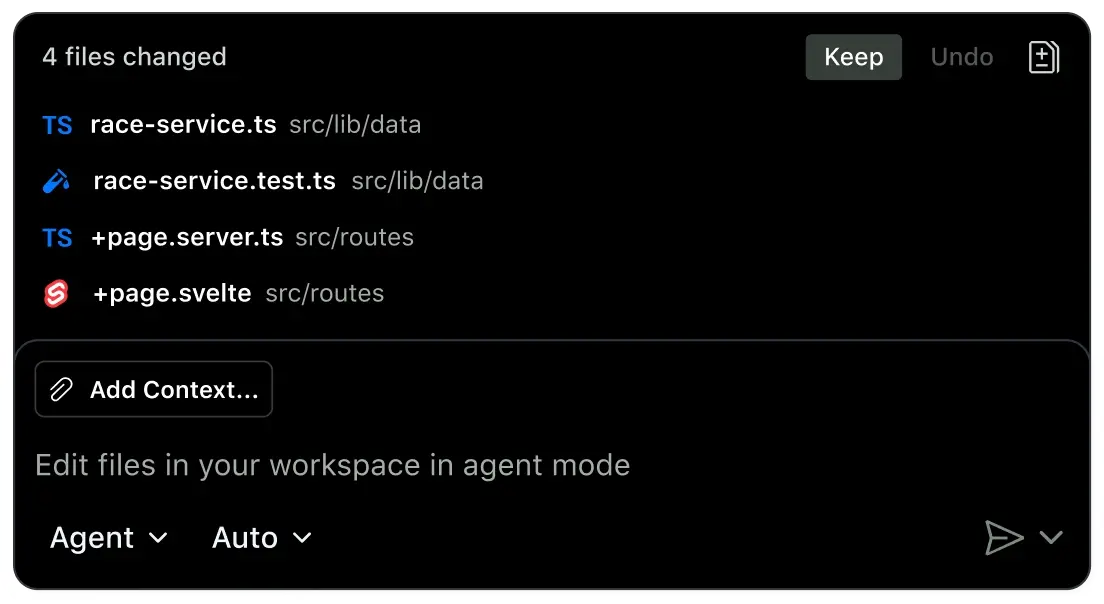
Visuals © provider / respective owners. Official source ↗ Vendor examples are not evidence of measured performance.
Practical workflows to evaluate
These are suggested evaluations, not tests we performed. Use material you own or have permission to share.
Evaluate a completion
Use a small approved project and ask for a missing function with explicit inputs and expected behavior.
Evaluate: Inspect edge cases and dependency assumptions. Accept only code you can explain and maintain.
Ask for an explanation
Ask for an explanation of a failing test and require references to the relevant code.
Evaluate: Verify that the explanation follows the actual execution path. Reject fixes that merely weaken the test.
Review an agent change
Assign one small task with acceptance criteria in a controlled repository. Inspect the changed files before merging.
Evaluate: Run the relevant checks and review permissions, dependencies and unrelated changes. Keep normal approval ownership.
Plans, allowances and value
Compare GitHub’s current Copilot Free and paid offerings. Review included access, model or usage allowances and organization features rather than assuming every surface includes the same capabilities. Confirm billing terms on the official plan page.
| Option | What to check | Decision rule |
|---|---|---|
| Free | US$0/user/month; check included completions and model access | Use for a controlled integration trial. |
| Pro / Pro+ | US$10 / US$39 per user/month in the current comparison | Check credits, models and the type of agent work you need. |
| Business / Enterprise | US$19 / US$39 per user/month in the current comparison | Compare organizational controls, billing and contract terms. |
Check official plan details ↗ Confirm your billing interval, currency, applicable tax, renewal terms and feature availability before subscribing. Promotional prices can differ from renewal prices.
Limits, privacy and responsible use
Completion, explanation and agent work have different failure modes. An answer can use a nonexistent API or overlook an edge case; an agent can make a wider change than intended. Preserve branch review, security checks and explicit merge approval.
Check the provider’s current data terms, account settings and your organization’s policy before uploading client or confidential material. A paid subscription alone is not authorization to share information.
Documentation establishes advertised capabilities, not accuracy on your task. We have not measured speed, reliability, time savings or business outcomes. Keep an accountable person responsible for approval.
Alternatives worth comparing
Compare the job you need done rather than assuming every AI tool is a direct replacement. These are workflow alternatives, not a performance ranking.
A useful shortlist option for a supported coding environment. Prefer evidence from your own tasks over completion acceptance rate alone, and keep human review in the process.
Common questions
Does Copilot replace code review?
No. Review generated changes, run relevant checks and retain normal merge approval.
Are editor and agent features identical everywhere?
Check the supported environment and current plan. Product surfaces and feature availability differ.
Which allowance should I compare?
Look at the current completion, credit, model and agent conditions for the workflow you will actually use.
Have you tested and rated this tool?
This is a research-based assessment of official documentation. We have not recorded hands-on tests or assigned a numerical score. The recommendations explain suitability and trade-offs.
Sources and review method
We reviewed official product and plan information on 14 October 2026. Suitability judgments and suggested trials are our editorial assessment. Media is credited to its provider and does not establish hands-on testing. Features, prices and rollouts can change.
No affiliate tracking has been added to these links. Editorial responsibility: AI Tools Hotlist editorial desk. Editorial standards · Suggest a correction · More reviews.