Claude is worth considering for turning notes, documents and questions into structured work. The buying decision depends on your workload, your checking process and the limits of the plan you choose.
Documentation-based assessment · How we reviewed it
Introduces Claude’s task and editable-output workflows. Vendor demonstration; availability varies by plan and rollout.
Shortlist it for thoughtful drafting and document work
Start with a repeatable, non-confidential task on the free plan. Consider paying when you can identify a specific allowance or workflow you need. Claude’s breadth is appealing, but polished writing and large uploads still require human verification.
- Review scope
- Claude app: writing, documents and research
- Pricing model
- Free + paid subscriptions
- Main watch-out
- Usage limits and source checking
In this review
Who should consider Claude?
A promising fit
- Writers and editors who want to develop a brief, explore structure and revise a draft through conversation.
- Knowledge workers who need a starting point for questions about documents they can lawfully share.
- Small teams prepared to define approval, data and verification rules before adopting an assistant.
Consider another route if…
- You mainly want spelling and tone suggestions inside an existing writing surface.
- Your process requires guaranteed factual accuracy or an unattended final answer.
- You cannot upload the relevant information under your employer’s data policy.
Our assessment concerns the Claude app. It is not a hands-on evaluation of Claude Code, an API cost analysis or a finding that one model outperforms another.
Five features that matter in daily work
1. A conversational writing workspace
Claude’s product overview describes writing, reasoning and coding assistance alongside files and other tools. For an article or proposal, the useful idea is continuity: develop the outline, question its assumptions and request a focused revision in the same conversation. That is a workflow opportunity, not evidence that its first draft will match your voice.
2. Documents, with important visual limits
The file guide lists formats including PDF, DOCX and CSV. A significant caveat: PDF visual processing applies to documents of 100 pages or fewer; longer supported PDFs use text-only processing. Embedded images in non-PDF documents are not read. A chart-heavy report therefore needs a different checking strategy from plain text. Ask for page references and compare them with the original.
3. Projects for reusable context
Projects organize related conversations, instructions and knowledge. Free accounts can create up to five projects. This may suit a recurring newsletter or a collection of reference material: keep the audience and terminology together instead of rewriting the brief. Project features are undergoing a staged rollout, so check the interface and availability in your account. Storing context does not remove the need to check whether the answer actually used it.
4. Artifacts for a separate working output
Artifacts put reusable outputs such as documents, designs and small interactive tools beside the conversation. They can be edited and shared; some templates and capabilities vary by plan or rollout. This is relevant when the deliverable needs more structure than a chat reply. Treat sharing as a separate publishing decision and review content, permissions and functionality before distributing it.
5. Web search as a starting point for research
Claude documents an optional web-search capability. For recent information, ask it to search rather than relying on background knowledge alone. Then open the cited pages yourself: confirm dates, context and whether each source supports the claim. A citation is a route to evidence, not a substitute for evaluating that evidence.
A closer look at Claude in use
These images come from Anthropic’s official product page. They illustrate vendor examples, not outputs from our testing. Select an image to view it at full size.
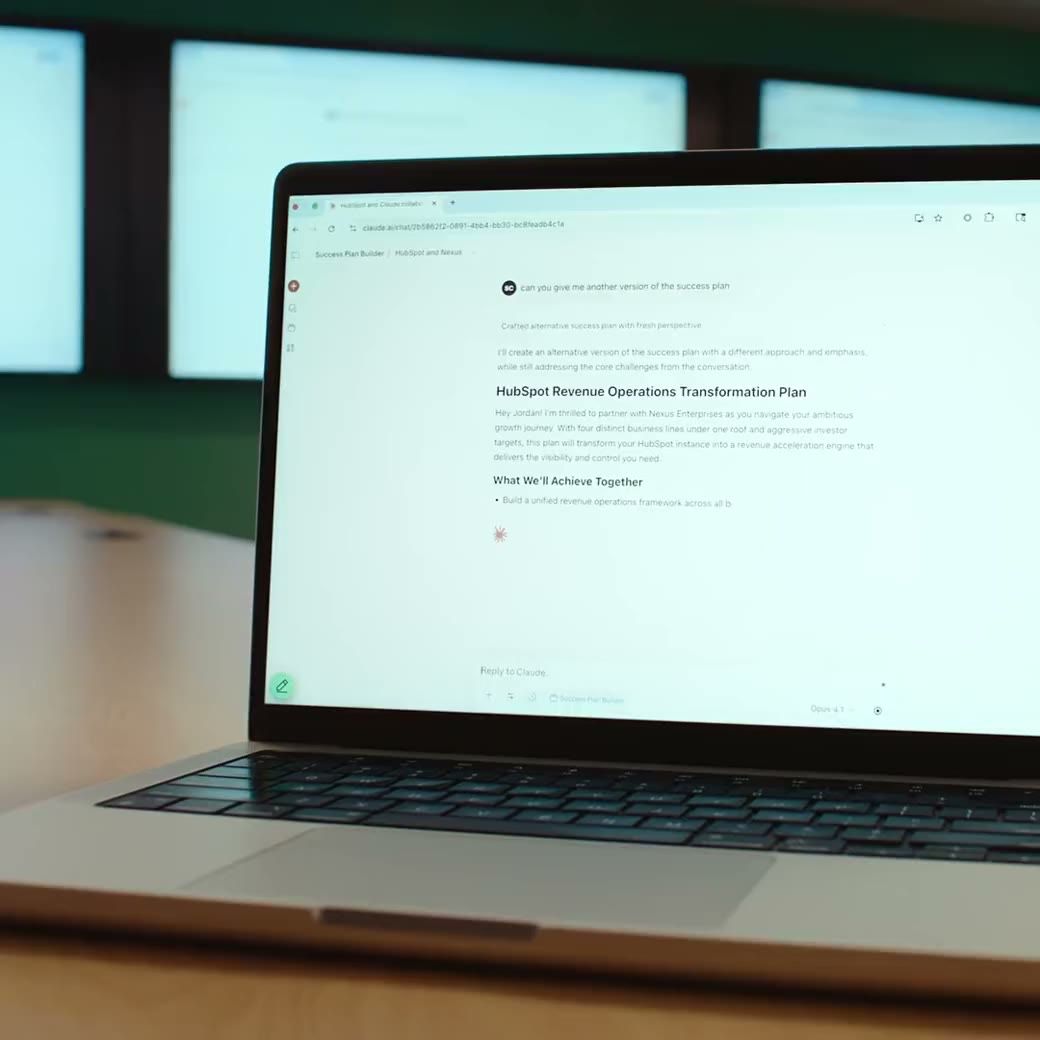
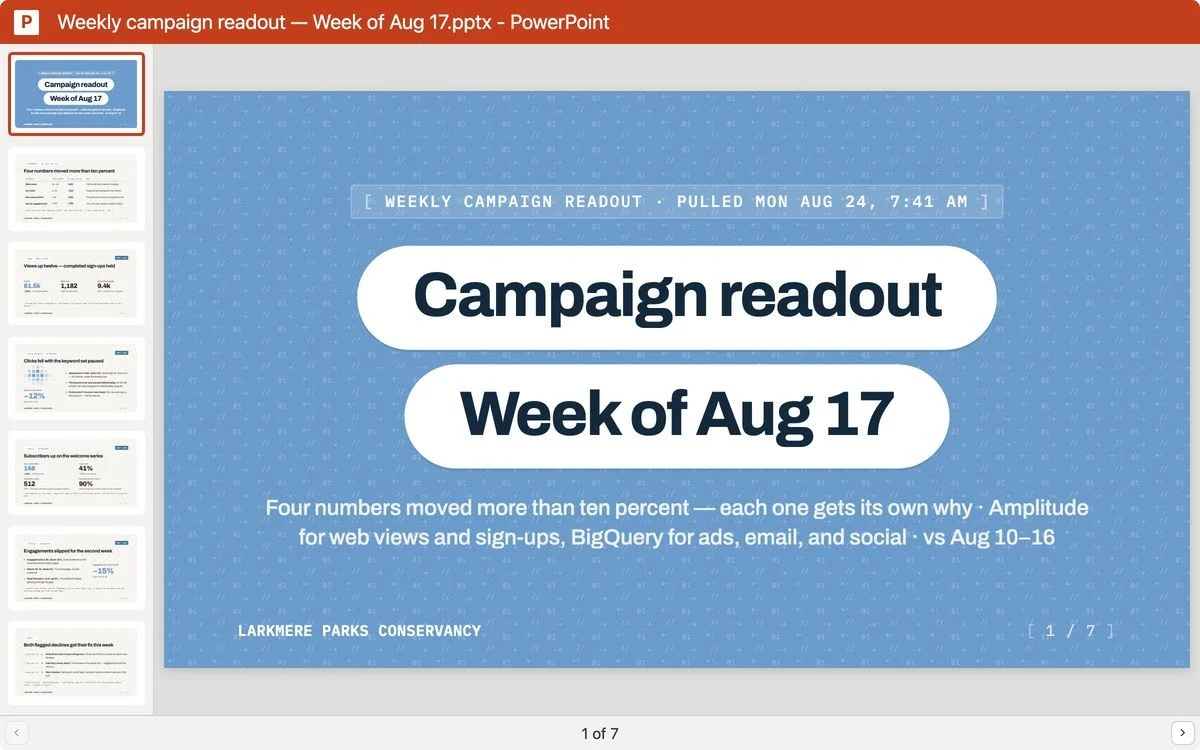
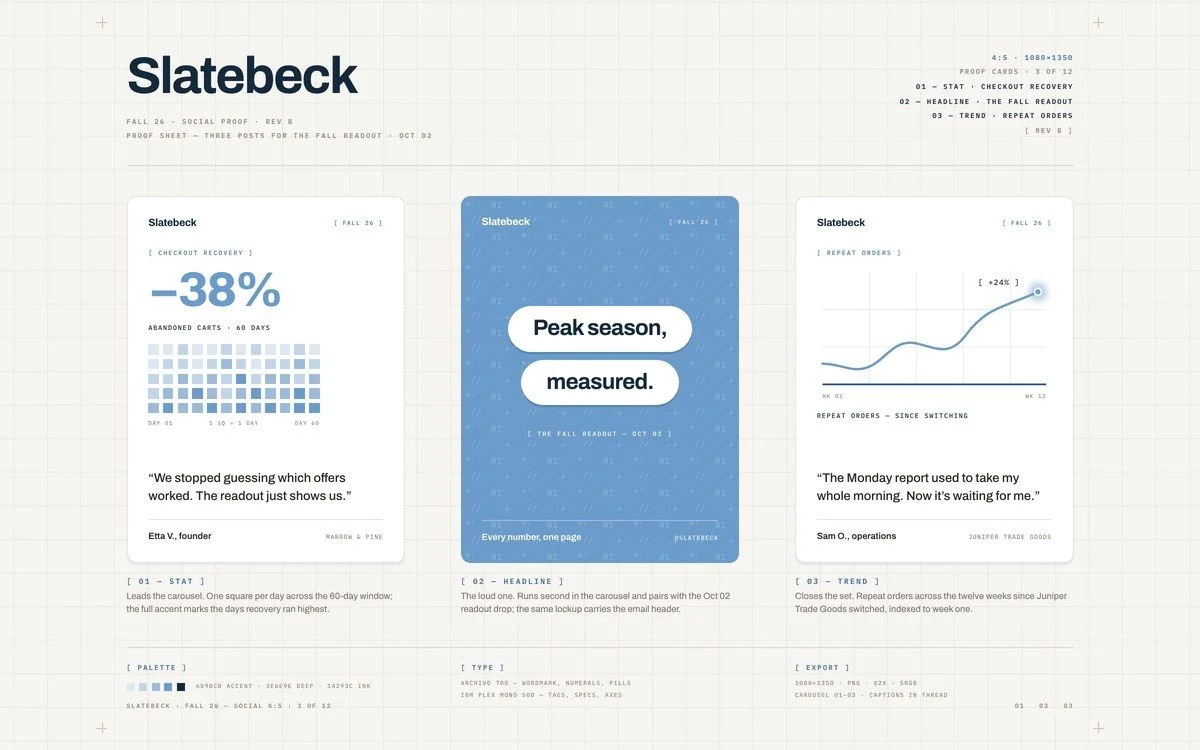
Images © Anthropic / respective owners. Source: official Claude product overview ↗. Product interfaces and availability may change.
Three practical workflows to evaluate
Use material you own or have permission to share. These prompts are original illustrative examples; we have not run them or scored the resulting output.
Turn a brief into a usable article outline
Using only this brief, propose an outline for a 700-word article for first-time freelancers. Identify missing facts and label assumptions. Do not invent statistics, quotes or examples presented as real.
Evaluate: does the outline answer the audience’s question? Count unsupported additions and structural edits. Follow up on one weak section instead of requesting another complete draft. Compare the total correction effort with your normal outlining process.
Check understanding of a document
Summarize the attached report in five points. For each point, give the page or section supporting it. Separate direct findings from your interpretation, and identify any chart you cannot read.
Evaluate: verify each reference, number and qualification against the file. Include an appendix or a deliberately ambiguous passage in your check. If the document relies on diagrams, confirm that the relevant visual content was processed before trusting the summary.
Prepare a source-led research brief
Search for current primary sources on this topic. List the publication date and source for each factual claim. Identify disagreements and unanswered questions before suggesting an article structure.
Evaluate: open the sources and check whether they are current and relevant. Watch for a source being cited for a stronger conclusion than it actually makes. Keep a record of corrections so a fluent answer does not become your only success criterion.
Plans, pricing and when to upgrade
The figures below are US dollar prices from Claude’s official pricing page, before applicable tax. Billing options, regional prices and included capabilities can change; confirm checkout before purchasing.
| Plan | Published price | Our suggested decision rule |
|---|---|---|
| Free | US$0 | Assess fit with a small, repeatable task first. |
| Pro | US$20 monthly, or US$200 billed yearly | Consider when a documented paid capability or allowance solves a real constraint. |
| Max | From US$100 per month; 5× or 20× Pro usage options | Consider only after your actual workload justifies the extra allowance. |
| Team standard seat | US$25 per seat/month monthly, or US$20 per seat/month annually | Compare organizational needs and terms, not only an individual subscription price. |
Team premium seats have different pricing. This is a selected comparison, not a complete enterprise procurement guide. For value, track how often a limit interrupts your work, how many corrections you make and which paid feature you would actually use. A larger allowance alone does not establish better results.
The limitations and privacy choices to understand
Usage is not a fixed number of daily messages
Claude’s usage guidance says consumption depends on factors including message length, files, conversation length, model and tools. Its limits explanation distinguishes usage allowances from how much context fits in a conversation. A paid plan should not be read as unlimited access. Test a workload similar to your real routine, including uploads and follow-up requests.
Consumer and commercial data terms differ
The training-data policy explains that consumer conversations can be used when model improvement is enabled, with additional situations such as safety review or explicit opt-in. Incognito chats are excluded from model improvement, but this is not a blanket promise that data is never retained. Feedback can also involve conversation data. Commercial offerings have separate terms. Check settings and your organization’s policy before uploading client, employee or confidential material.
What we still cannot conclude
Documentation establishes what the provider offers, not its accuracy on your files, the consistency of its writing or the cost per completed task. We have not measured these. Reject invented references, confirm calculations independently and keep an accountable person responsible for the final deliverable.
Three alternatives worth comparing
These tools address different jobs. The comparison is about workflow fit, not a performance ranking or a claim that they have identical features.
| Tool | Consider it for | Decision to make |
|---|---|---|
| Grammarly | Writing assistance and rewrites in supported writing surfaces. | Do you need help where you already write, or a conversation to develop an idea? See its official writing features. |
| Perplexity | Searching for answers with linked sources. | Is source discovery the main task, or one step in a larger drafting workflow? Check its search explanation. |
| Cursor | A development-focused editor workflow. | If code is your main deliverable, compare an editor-integrated approach with general chat. Review Cursor’s official features and your repository-access requirements. |
Shortlist Claude if iterative writing and working through documents are central to your day. Start with a small trial, keep a correction log and upgrade only against a named need. Choose a specialist when your main task is inline editing, source discovery or development inside an editor.
Common questions about Claude
Can I start without a paid subscription?
Yes. A free plan is listed on the official pricing page. Use it to evaluate a realistic task and check current limits before making a commitment.
Can I trust a document summary without checking it?
No. Compare the summary with the original, including qualifications, tables and references. File support does not establish that every relevant detail was understood.
Does a higher plan remove all usage limits?
No. Allowances and context limits are different constraints. Review the provider’s current limits and assess a representative workload before upgrading.
Is Claude appropriate for confidential work?
That depends on your permissions, settings, contract and organization’s policy. Consumer settings and commercial terms differ. Do not assume that incognito mode alone authorizes an upload.
Why is there no star rating?
This is a documentation-based assessment. We have not performed repeatable hands-on tests that would justify a numerical score. The verdict explains suitability and uncertainty instead.
How we reviewed it: we assessed official product, pricing and help documentation. We have not performed a hands-on test or measured accuracy, speed or time savings. The recommendations below are editorial judgments; the example prompts are suggested trials, not observed results. No numerical rating is assigned.
Transparent assessmentSources, method and editorial responsibility
Official documentation was checked on 14 October 2026. We reviewed capabilities, plan prices, usage, files and privacy guidance, then formed the suitability judgments above. Prices and rollouts can change. This article does not establish comparative performance, legal compliance or a guarantee of results.
Primary references: product overview, pricing, file support, Projects, Artifacts, web search, usage guidance, usage versus context and training-data policy. Alternative-tool sources are linked in the comparison.
No affiliate tracking has been added to these links. Editorial responsibility: AI Tools Hotlist editorial desk. Read our editorial standards · Report a correction · Explore more reviews.